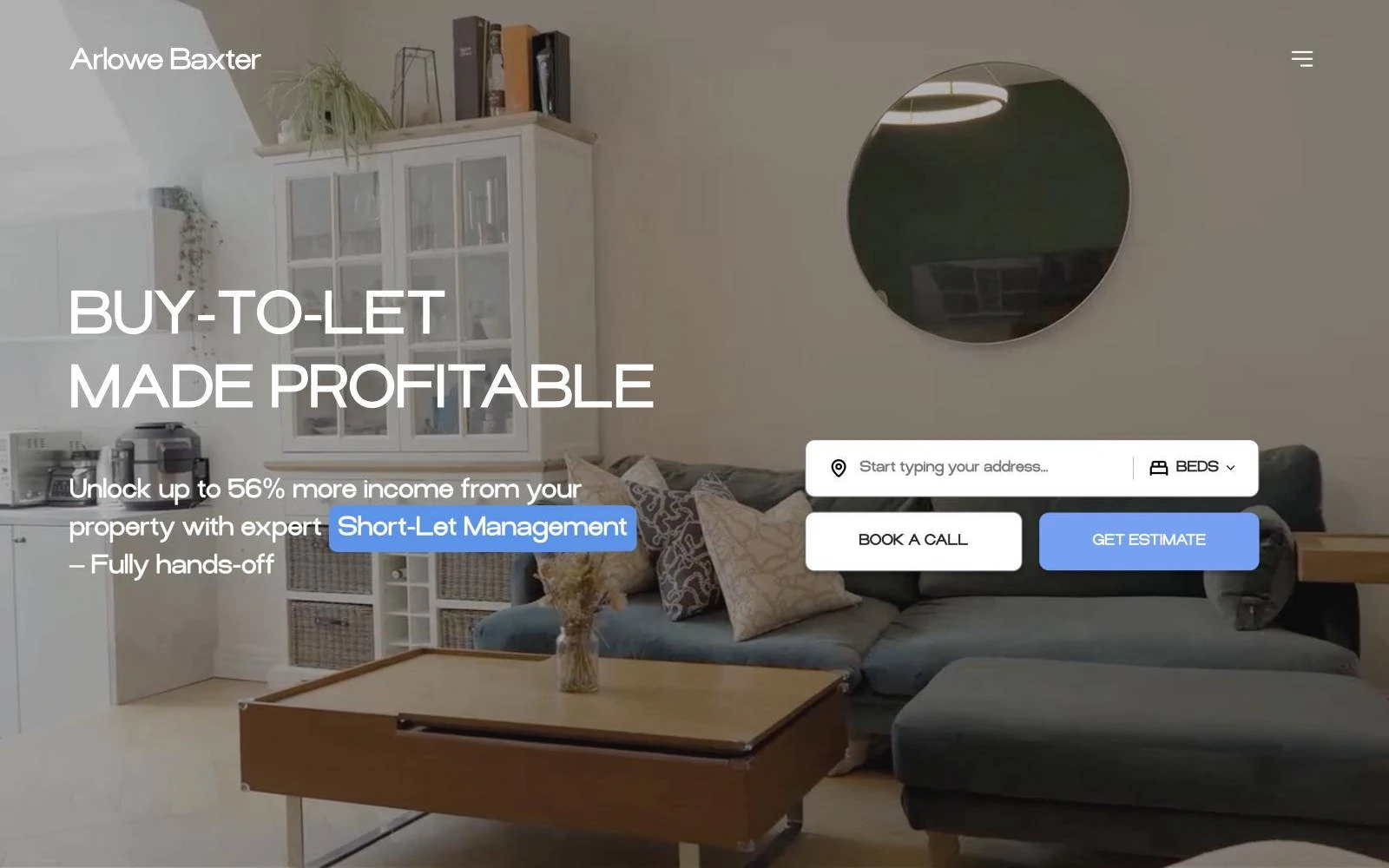
Proof was buried
The benchmarks were real and impressive, but nobody saw them. The old site led with generic cloud slogans.
Cloud infrastructure · Europe
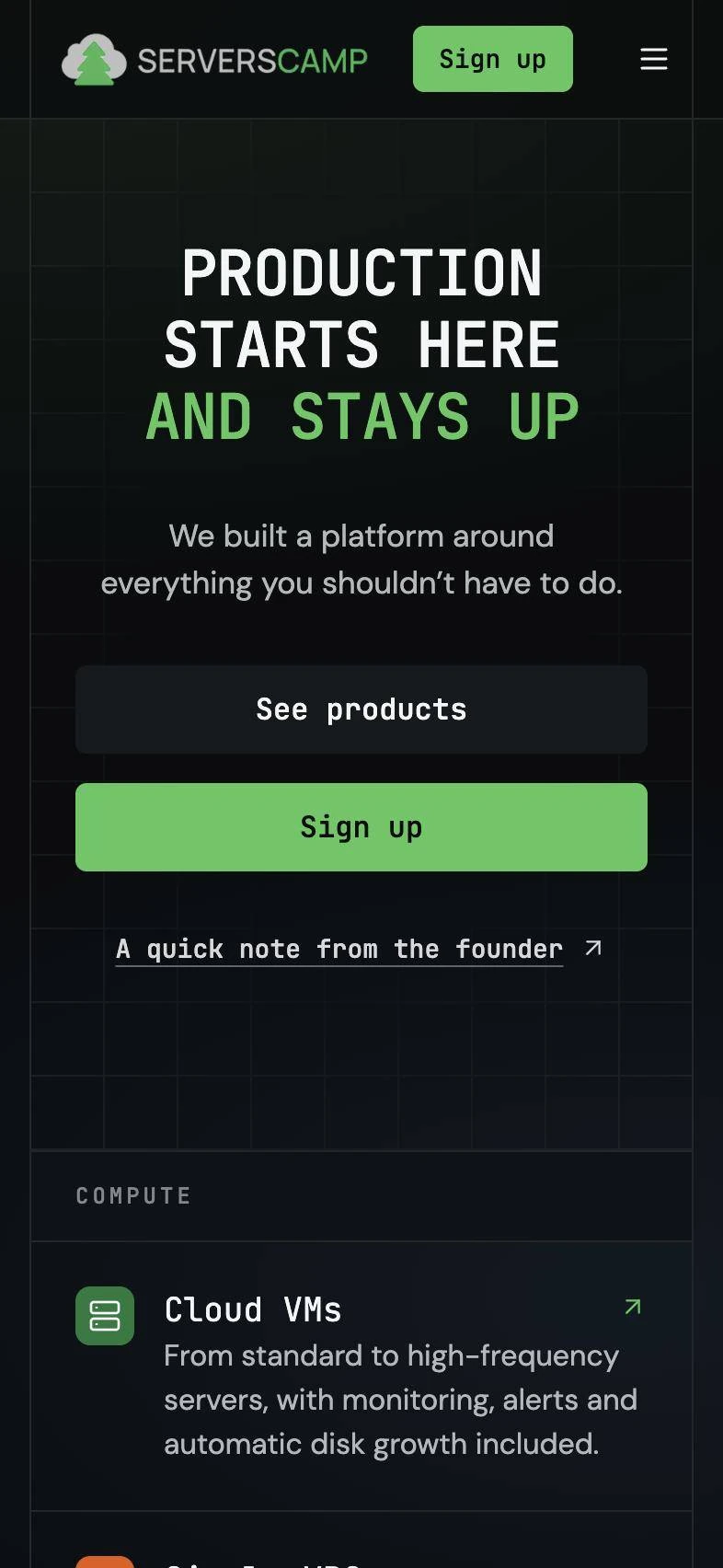
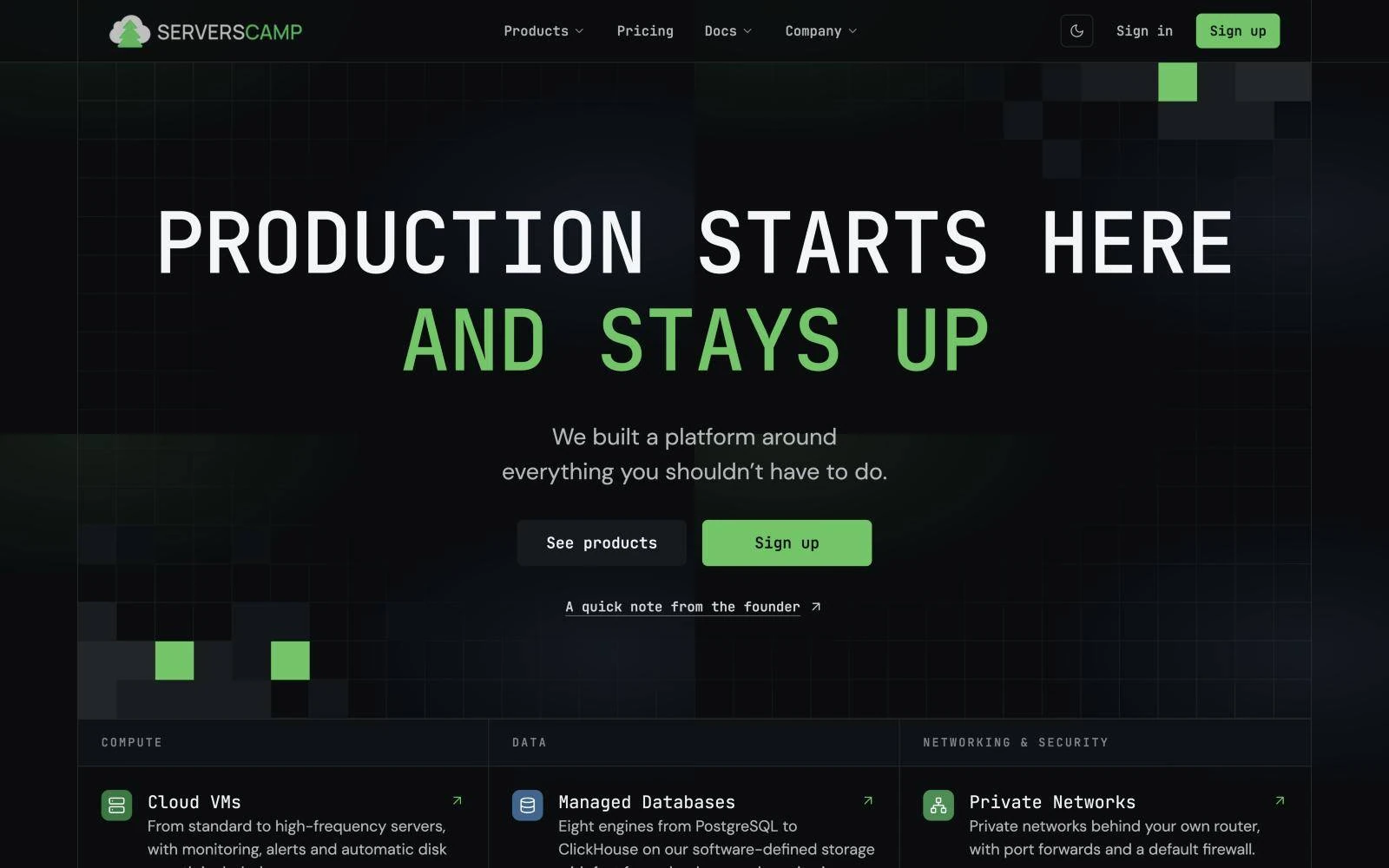
ServersCamp builds managed cloud infrastructure in Europe, with replicated storage and benchmark numbers that beat the big names. We redesigned the website, designed the Cloud Panel and built it all, so engineers trust it from the first scroll.
The challenge
ServersCamp competes for the same developers as DigitalOcean, AWS and Hetzner. Its product is genuinely faster: replicated disks over RDMA, sub-millisecond latency, managed databases with backups built in.
The old website didn't make that obvious. Developers want proof, not slogans, and IT leads want to know what happens when something fails. The site needed to speak to both, and the Cloud Panel had to feel as simple as the promise.
The benchmarks were real and impressive, but nobody saw them. The old site led with generic cloud slogans.
Developers want numbers and code. IT leads want to know what happens when something breaks. One page had to serve both.
The marketing site and the Cloud Panel looked like two companies. Signing up felt like changing vendors.
How we worked
Infrastructure is hard to sell with pictures. We spent the first part of the project learning the product well enough to explain it simply.
Discovery
We went through the architecture, replicated storage, benchmarks and pricing with the team, and audited the old site page by page.
Structure
Products, the managed-versus-self-run model, storage reliability and code: each section answers a real objection from a developer or an IT lead.
Design
Monospace type, a pixel grid and a single green accent, shared by the website and the Cloud Panel, for desktop and mobile.
Build
We built the site from the Figma system, including the interactive diagrams, the code tabs and the benchmark strip, then tested it across devices.
The numbers we put up front
What we did
New structure, copy hierarchy and visual system in Figma. Monospace type and a pixel grid that feel native to engineers, with one green accent for what matters.
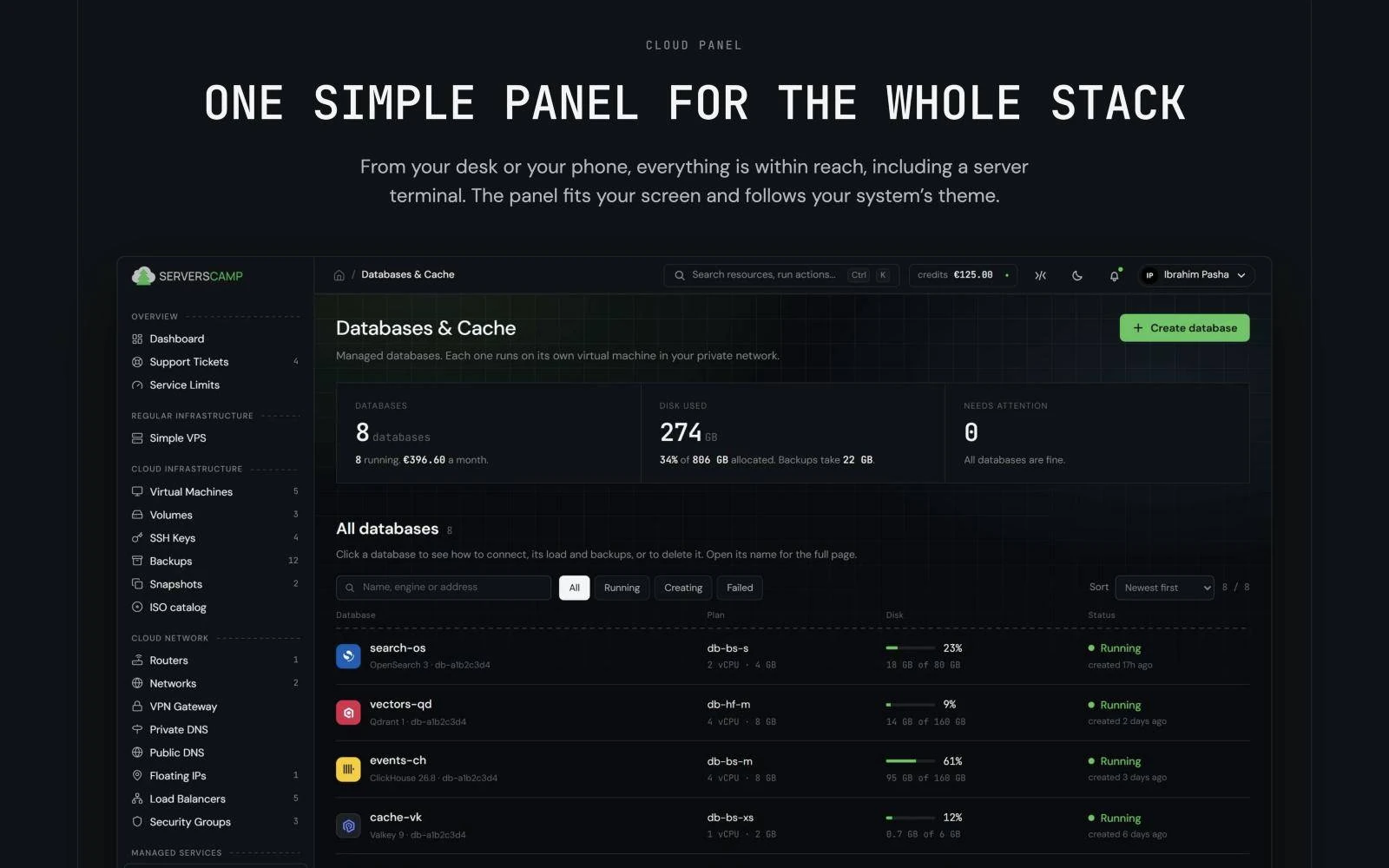
Dashboard, servers, databases and storage in one calm interface that works on desktop and phone and follows the system theme.
The site built from the Figma system, with the interactive diagrams, code tabs and benchmark strip that make the product easy to understand.
Products
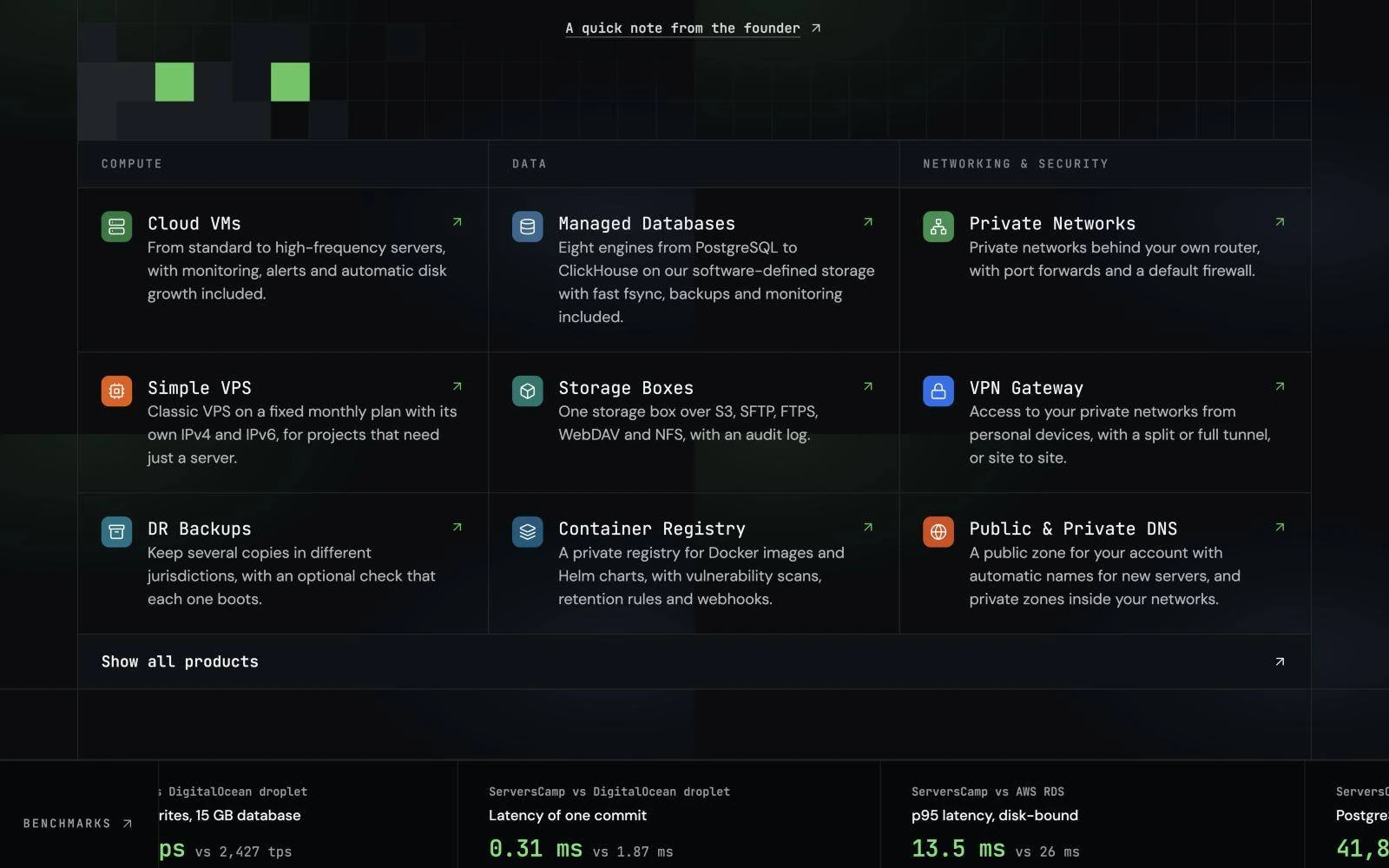
Compute, Data and Networking grouped into a grid you can scan in seconds, each card with one line that says what you actually get.
Positioning
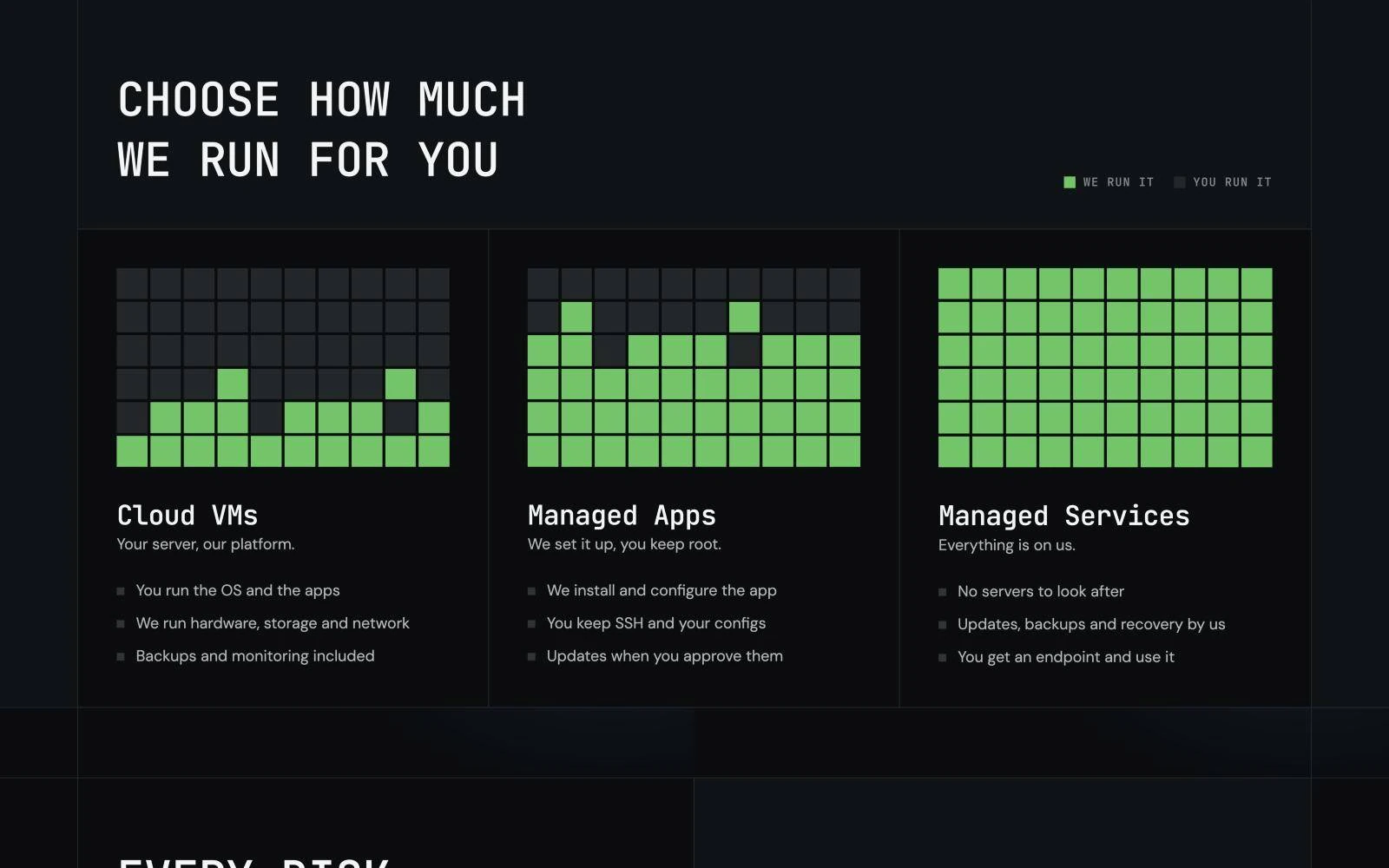
Self-run VMs, managed apps and fully managed services drawn as one pixel grid that fills with green. The difference lands before anyone reads a bullet.
Trust
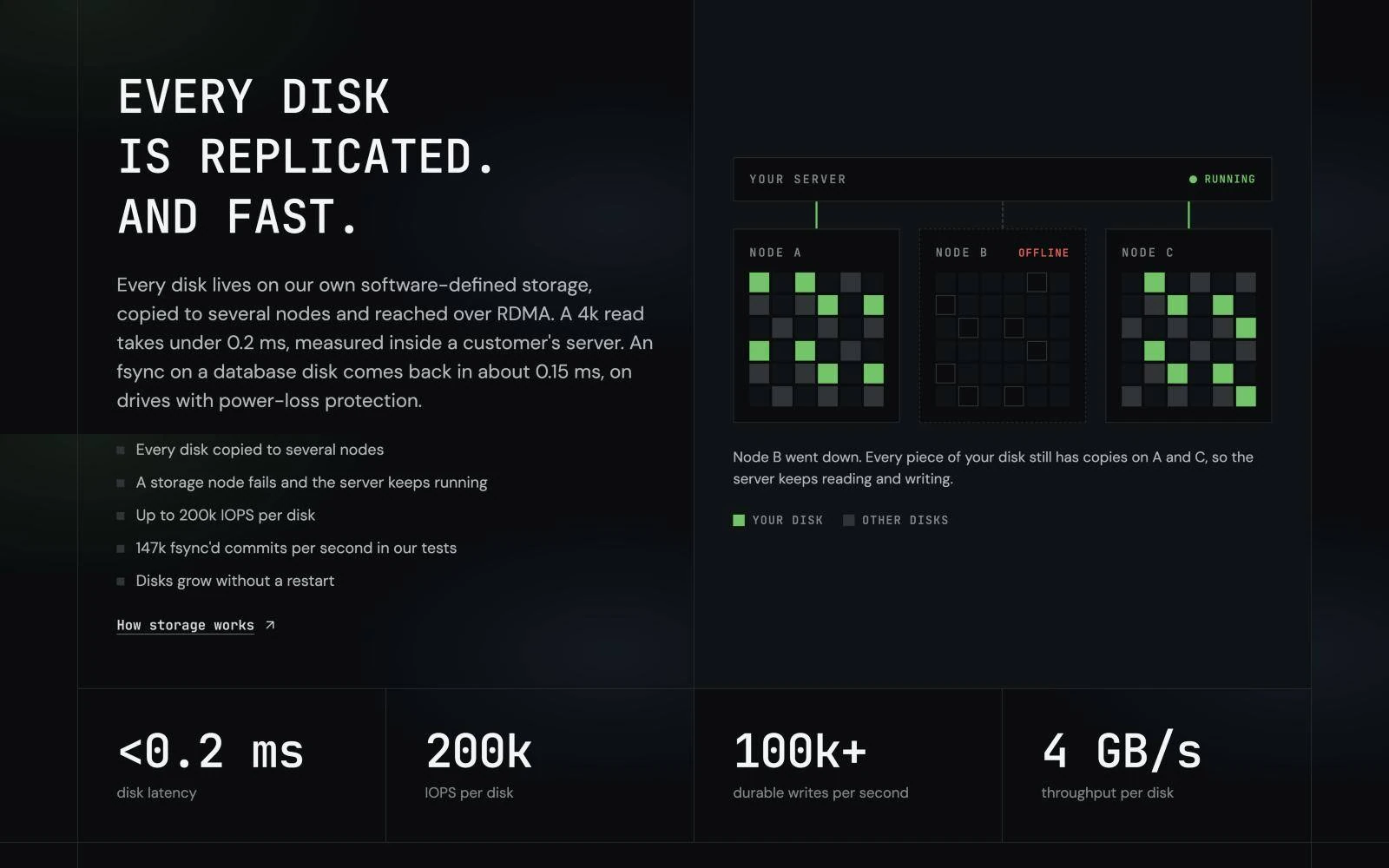
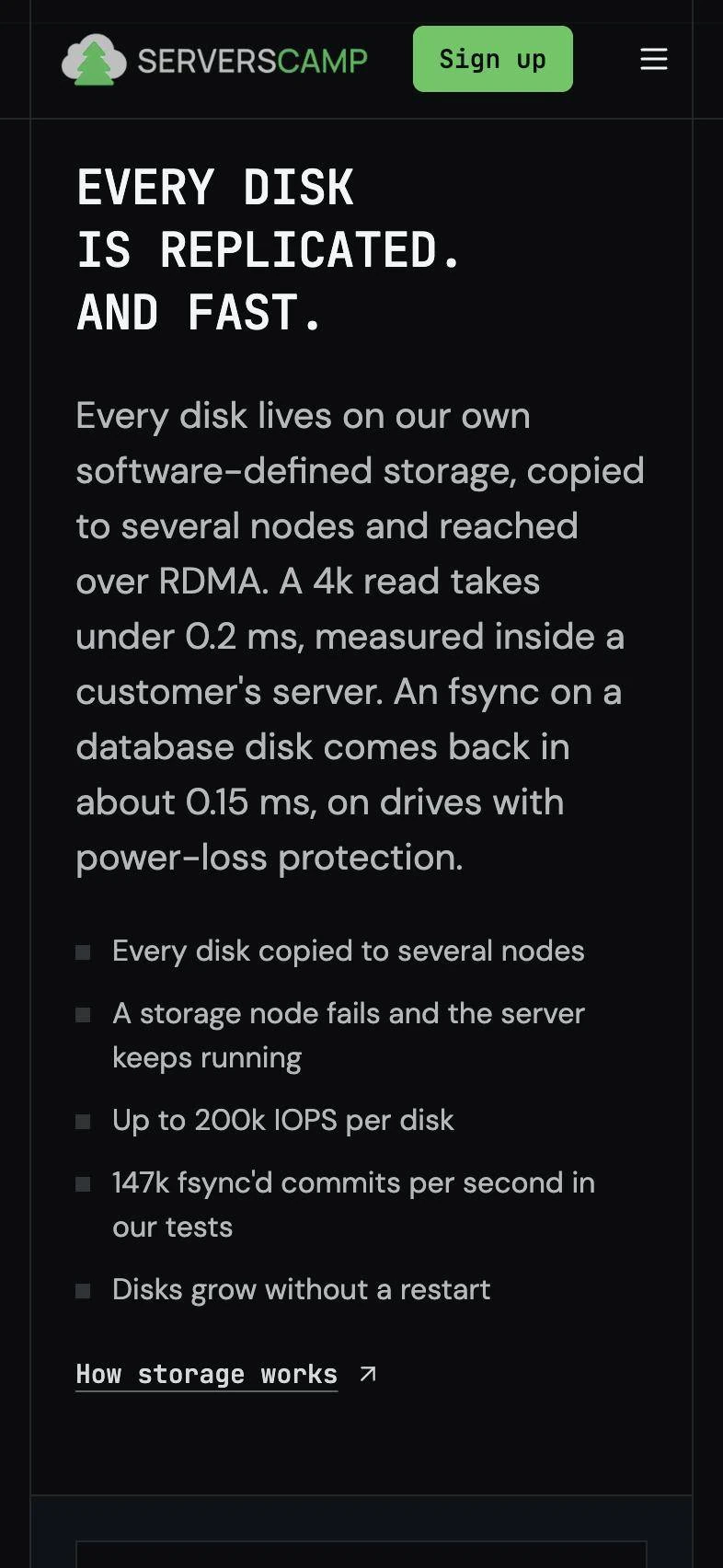
Instead of promising reliability, the storage section shows it: a live diagram where one node goes offline and the server keeps running. The kind of proof IT leads look for.
Cloud Panel
Databases, servers, storage and networks in a single interface. Clear status at a glance, every action one click away, and the same calm visual language as the website.
For developers
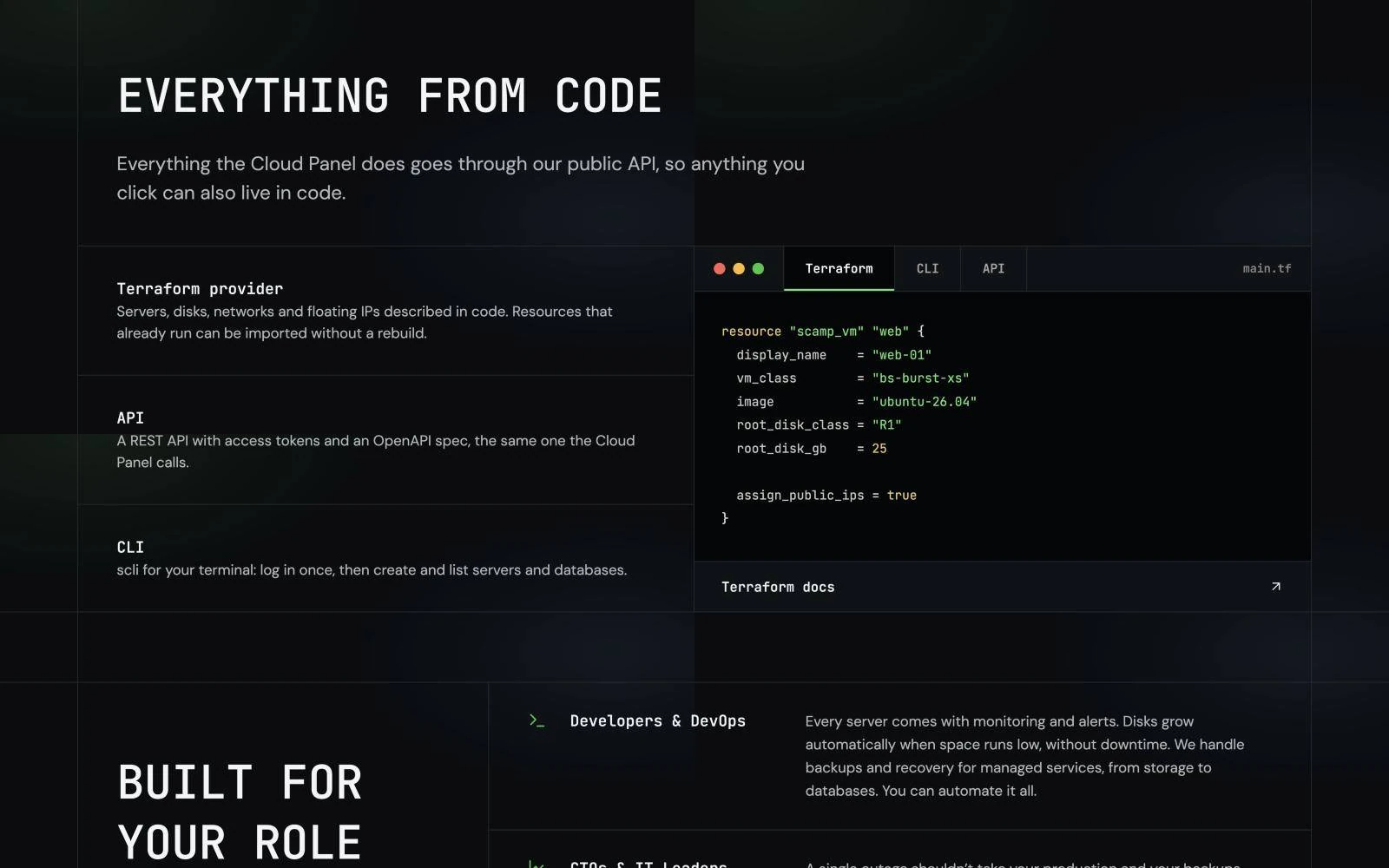
Terraform, CLI and API in one tabbed block, written in the same monospace voice as the rest of the site.
Key decisions
A "blazing fast" headline and a rocket icon.
Real benchmark numbers next to named competitors, in a strip near the top of the page.
A long comparison table.
One pixel-grid visual that fills with green as ServersCamp takes on more of the work.
A "99.9% uptime" badge.
A diagram where a storage node fails and the server keeps running.
An off-the-shelf dashboard UI kit.
The same type, grid and accent as the website, so moving from site to product feels seamless.
The result
Your project next